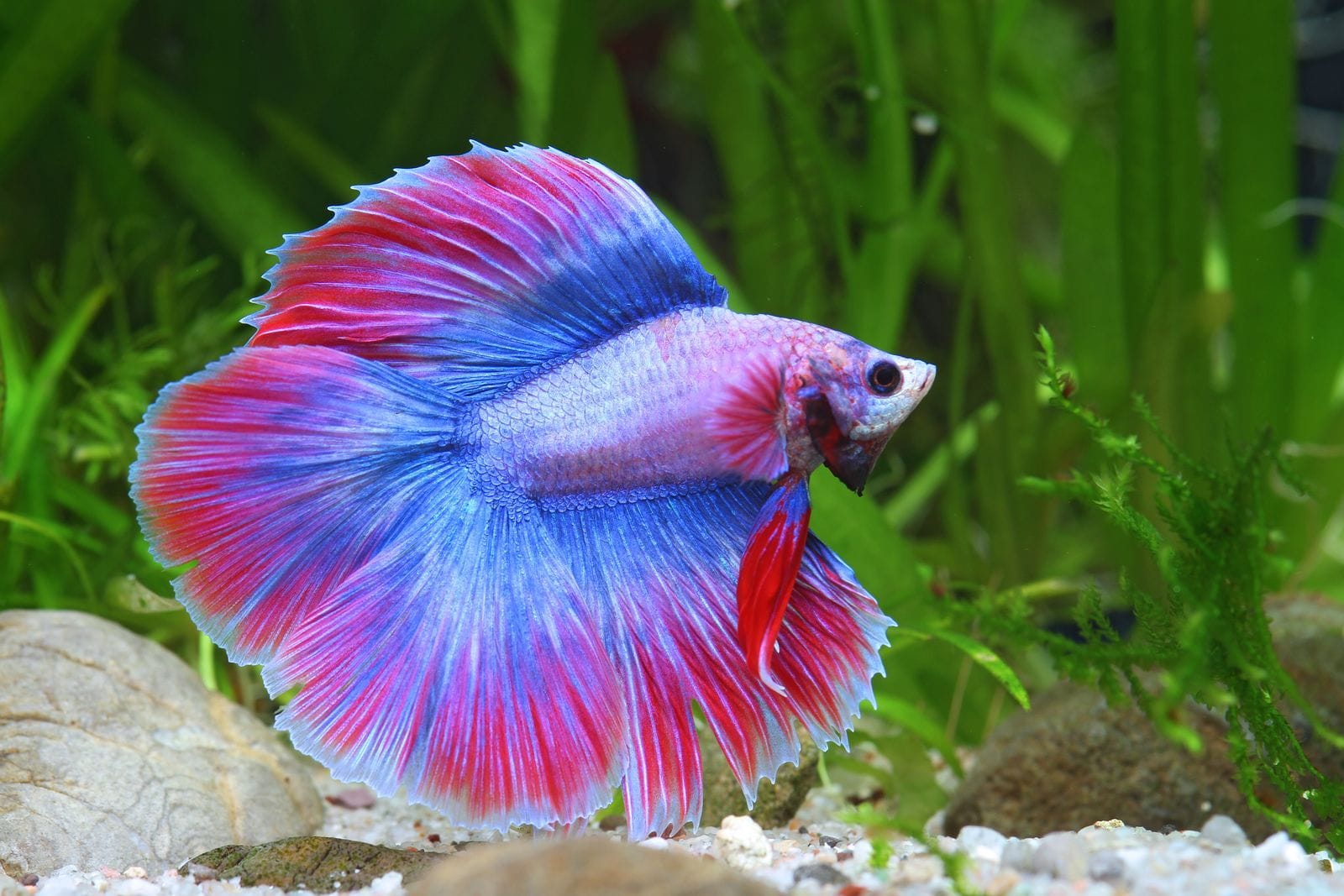
 Photographing aquarium fish correctly
Every aquarium owner is naturally delighted to capture their cherished ornamental fish, shrimp or snails in pretty photos, no matter whether they live in a freshwater or a saltwater aquarium. Today, the technical prerequisites with smartphone cameras or other digital cameras are very good for this purpose. Nevertheless, it is not that easy to photograph fast-moving aquarium animals skillfully in particular. Here we give important tips for great pictures of your animals in the aquarium.
Basics of aquarium photography
In our basics article "Photographing an aquarium, part 1", we have already highlighted some important aspects of taking pictures of an aquarium. Even though that article focuses more on complete front-on shots of the aquarium design, certain prerequisites naturally also apply to fish photography in the sense of a portrait. We summarize them once more as follows:
Camera position
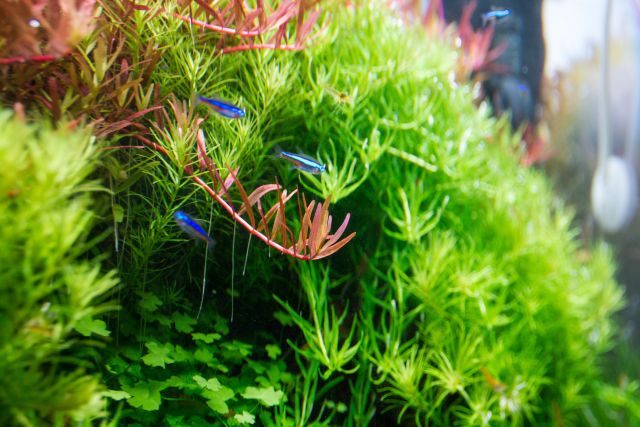
Since the aquarium glass in particular can distort strongly at an oblique angle, it is advisable to photograph fish in the aquarium as straight on from the front as possible. The camera should be aligned at a right angle to the front pane if possible.
Mounting it on a tripod also ensures less camera shake and a stable position. Using a remote shutter release is also recommended for this and results in sharper photos. It is extremely worthwhile to clean the aquarium panes appropriately, both inside and outside, before photographing, so that no distracting tiny objects such as algae or water spots end up in the picture.
Darkening the room
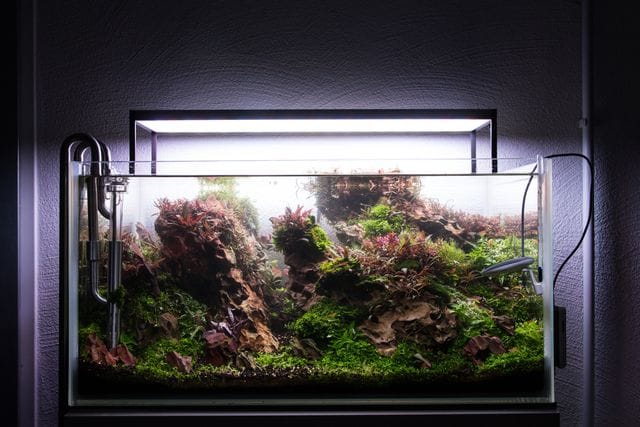
Nothing is more distracting than light reflections on the aquarium glass or mirror images that then show up in the pictures. Often these disturbing factors are not visible at first glance in a photo but only become noticeable later on closer inspection or during image editing. To minimize these sources of error, the room where the aquarium stands should be darkened as well as possible for the photo, which reduces the incidence of daylight to a minimum. Bright, light-reflecting objects behind the photographer and on the opposite side of the aquarium should be removed if possible or darkened with dark cloths. Sometimes these can even be really small things, such as the photographer's skin, a metallic door handle in the background or even the bright manufacturer's lettering on the lens or the camera. It is therefore advisable to wear black, long clothing if possible when photographing the aquarium and to take some test photos first. These are viewed on a larger display than that of the camera. This way you can look for potential light disturbances and then make corrections in the room if necessary.
Using flash correctly
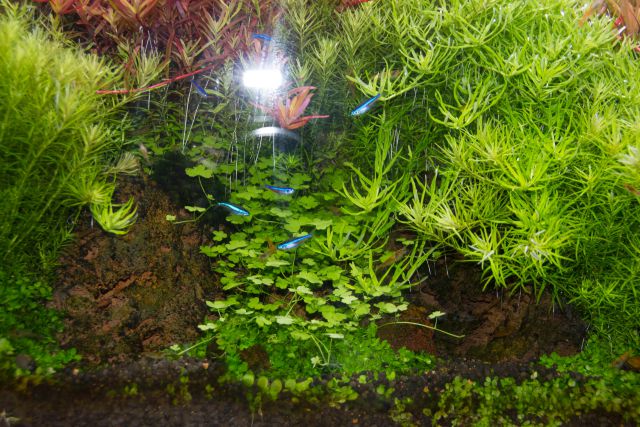
In principle, it is not bad to work with more light and therefore also a camera flash. Many digital cameras and also smartphones already have built-in flashes. If you photograph in automatic mode, the device decides itself after a light measurement whether it should fire the flash or not. For aquarium photography, and therefore also for photographing fish, such a built-in camera flash is unfortunately not suitable. The aquarium's front pane throws the light back in a clearly visible reflection. If possible, the camera's built-in flash should therefore be switched off manually. Off-camera flash is much better suited for fish photography. Here an external flash unit is triggered by a cable or an infrared signal and can therefore be set up independently of the camera position. Ideally, such a flash is installed for our purposes above the aquarium with the help of a tripod, so that the light can hit the subject from above. For this approach, however, digital cameras designed accordingly are necessary.
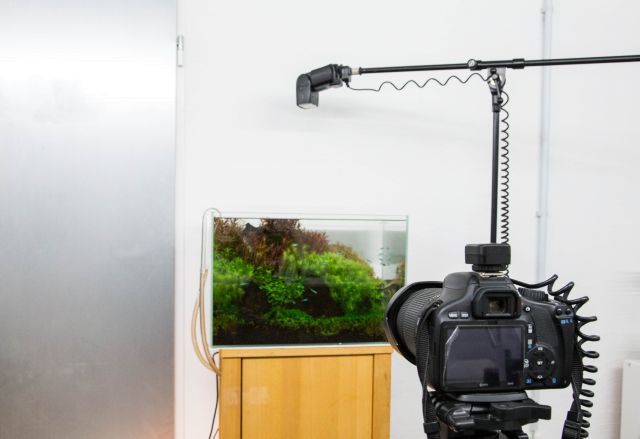
Good camera settings for fish photography
Before you take a photo, various parameters can be set on a digital camera. Here we give a few tips so that fish portraits or even macro photographs turn out well.
RAW or JPG?
This determines which format the digital camera uses to save the image file. A RAW file is quite large, but in image editing many parameters such as color temperature and exposure can be set and changed much better than in JPG format. A disadvantage of JPG: any changes made in image editing are saved as no longer changeable. If you want to undo things or readjust them, this is difficult or even impossible. This is another advantage of the RAW format, in which all parameters can be reset and changed without major drawbacks for image quality. For the ambitious photographer, the RAW format is therefore strongly recommended; for quick snapshots without much effort, you can fall back on the JPG format.
White balance
White balance lets you set the color temperature. It indicates whether a light looks rather cool white, neutral or warm white. There are sometimes smaller gradations in between. Ultimately, the color temperature remains the photographer's choice. They decide in which lighting mood the photo should be created. When photographing aquarium fish, you can orient yourself, for example, to the lighting conditions in the natural habitats. Warm white works great as a setting for South American animals from the Amazon, while cool white is suitable, for example, for African cichlids or for saltwater. If you use the RAW format anyway, you can also set the color completely losslessly later in post-processing of the image. Many cameras also have an automatic white balance (AWB) anyway, which often analyzes the existing lighting conditions very reliably and then selects a suitable color temperature.
Exposure time, aperture and ISO
In photography, the parameters shutter speed, aperture opening and the set ISO play an important role. They are partly linked with each other as well. Here is first a short overview of what they actually are:
- ISO value: This value (starting at 100) describes the light sensitivity of a digital camera's image sensor. The higher the value, the more light-sensitive the image sensor becomes. Higher ISO numbers are suitable, for example, for still producing brighter photos in a dark environment. The maximum limit of the ISO value and how it can be influenced depends on the camera. A big disadvantage is the stronger image noise at a higher ISO light sensitivity. This leads to stronger pixelation of the images, and contrast and sharpness decrease.
- Exposure time: Exposure time or shutter speed means the period of time during which the sensor of a digital camera is exposed to light in order to take a photo. Exposure times are given in seconds. Since fish in the aquarium sometimes move quickly, you need a fairly short shutter speed (for example 1/100 s) to really capture them sharply. Otherwise, so-called motion blur leads to blurry shots. However, a short exposure time also makes for darker images, since because of the short period, not enough light sometimes reaches the image sensor. You can compensate for this again with a higher ISO number, a different aperture setting or stronger external light sources (for example flash).
- Aperture:The f-number of the digital camera lets you set precisely how wide the aperture is opened. This influences the incidence of light, but also the depth of field. A wide-open aperture (for example f=1.8) lets a lot of light through but also produces less depth of field, or more blur. A more closed aperture (for example f=22) provides more depth of field, but less light reaches the sensor. The image thus becomes darker. If you basically want to take a portrait or a close-up of your fish in the aquarium, a wider-open aperture is a good choice. The aperture number should be chosen so that the subject (the fish) is rendered sharply but the background stays blurred. This creates a beautiful bokeh, as this phenomenon is called in photographers' jargon, and provides a great contrast between subject and background. As a first guideline, you can start with an aperture of 4.
Macro photography
Macro photography is of course particularly interesting for capturing details or small animals in a picture. This type of photography is therefore very popular, especially among dwarf shrimp keepers, but there are also some points to keep in mind. To take corresponding close-ups, you first need suitable camera equipment, such as a special macro lens, close-up lenses or reverse rings. Here, however, we deal less with the technology and more with the special circumstances of macro photography.
For a successful close-up, we get as close as possible to an object in order to capture it with as much magnification and detail as possible. Unfortunately, the depth of field decreases significantly, or the blur increases. The area in which the subject is rendered sharply is sometimes tiny in macro photography. The photographer should be aware of this. You should therefore place the focus and the area of sharpness on important elements of the subject. Even with small animals such as insects or shrimp and nano fish, it is common practice to focus on, for example, the eyes of the animal.
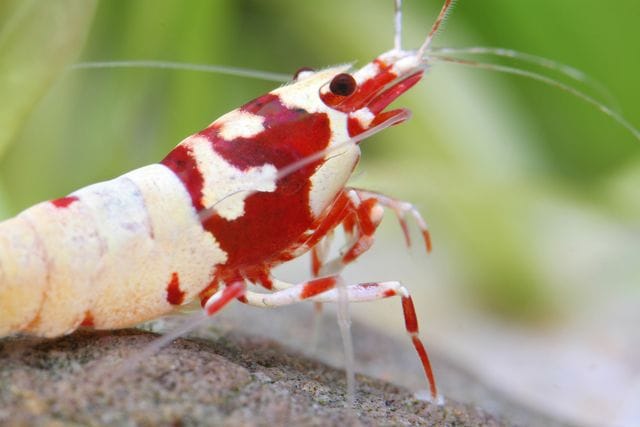
A successful macro shot of a dwarf shrimp. You can clearly see the small area of sharpness: the eyes are in focus, but the antennae and legs in the foreground and background are not. Copyright by Chris Lukhaup.
Working with the right aperture is key here. If the aperture number is too low, the area of sharpness becomes so small that you are hardly able to render an object sharply enough. A higher aperture number of around 8 or 9 is therefore generally recommended in macro photography. It should only be chosen so high, however, that there are no excessive deficits in exposure. Finding a good compromise here is often a fine line and requires some practice and experience. In general, working with an external flash is extremely worthwhile for close-ups, since it still provides enough light even at higher aperture numbers.
Summary
A good starting point for taking a fish portrait has proven to be an exposure time of approx. 1/100 s, an aperture of f=4, and initially ISO and white balance in automatic mode. The camera's internal flash should be switched off. The RAW camera format is preferable for the ambitious photographer. If an external flash is used, you can additionally set the ISO to the lowest value of 100 to get as little image noise as possible. An external source (here: flash) is then needed so that enough light can be provided.
In macro photography, working with an external flash is extremely worthwhile; generally somewhat higher aperture values (f=8 or 9 as guideline values) are necessary here in order to render the subject with the necessary sharpness in close-ups.
Header photo copyright: Chris Lukhaup.