 Twinstar FAQ
Questions and answers about Twinstar
Frequently asked questions and important notes about the Twinstar products:
General
- What is Twinstar and what can it do?
Twinstar is a modern sterilizer for aquariums that can be used preventively against new algae growth and fish or shrimp diseases. You can find a detailed introduction and explanation of how it works here. - What parts does Twinstar consist of?
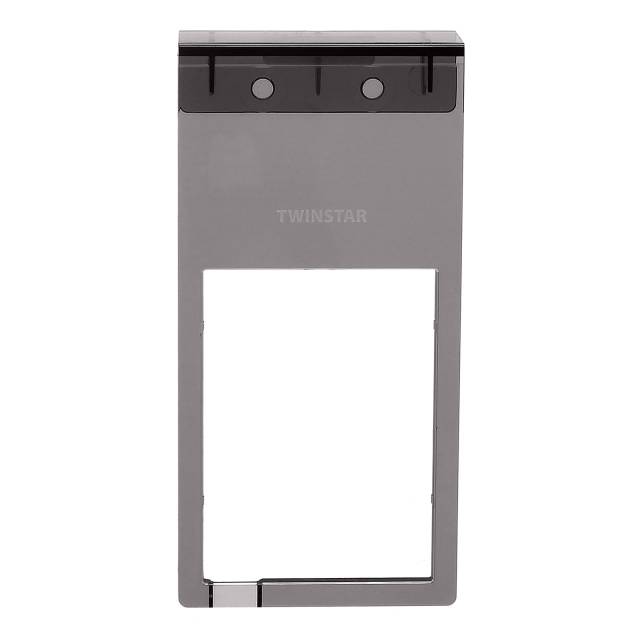
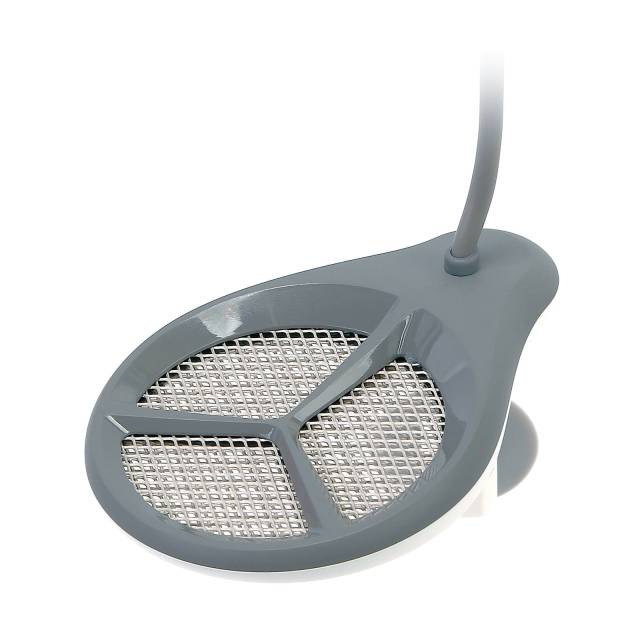
A Twinstar consists of a computer-controlled control unit (IC), which is attached to the outside of the aquarium with suction cups or a holder (Aquacradle). An electrode (reactor), which is installed inside the aquarium, is connected to it by cable.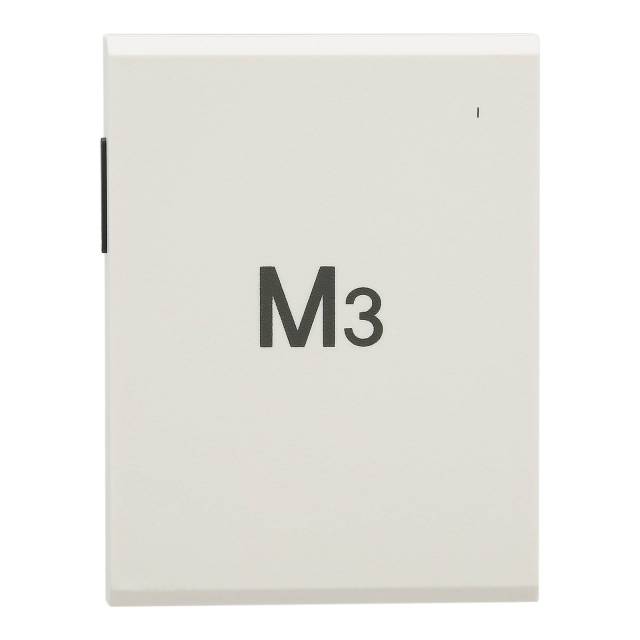
- Isn't Twinstar dangerous for the aquarium inhabitants?
Because of their reaction time, the sterilizing processes work only very briefly and partly only locally, that is, in the immediate vicinity of the reactor. This way, algae spores and pathogenic germs in the open water are reached and eliminated. Because of the short range and reaction time, Twinstar has no negative effect on aquarium inhabitants, aquatic plants or sessile bacteria in the filter and substrate. - Even though I use a Twinstar, algae still grow in my aquarium. What can I do?
Twinstar only serves to suppress new algae growth. Twinstar has no effect on existing algae. Since algae multiply not only through spores but also through local growth by cell division, appropriate algae eaters should be used or the algae should be removed by hand. Further measures against algae can be found in this article. - Does Twinstar run on electricity or on chemicals that you have to refill?
Twinstar is simply connected to the mains with a power cable. No chemical substances need to be refilled. - How much power does Twinstar use?
In standby mode, the power consumption is 1 watt. Only when a bubble cloud is produced does the consumption rise to about 15 watts. The duration depends on the programming of the control unit's algorithm, but is always only a few seconds. - At what intervals and for how long does a Twinstar produce bubbles?
The duration and the intervals between the times when bubbles are produced depend on the fixed, pre-programmed algorithm of the computer-controlled control unit. The algorithm specifies irregular time intervals, so the Twinstar will produce bubbles more often at the beginning than later on.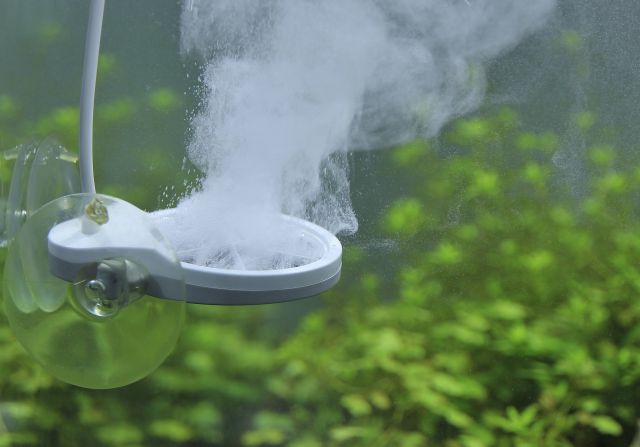
- Can you combine different models?
No, this is not recommended if the models differ in their focus (algae prevention, shrimp diseases or fish diseases). Only models within one series can be combined with each other. This makes sense for larger aquariums in order to reach the required capacity. For example, two Twinstar Nano+ units in mode 3 can be used together in a 500-liter aquarium. - Can you run Twinstar with a timer?
No, that is not necessary. The control unit contains a fixed, pre-programmed algorithm that automatically regulates the timing of the bubble production intervals. - What happens to Twinstar after a power outage?
After being disconnected from the mains, the Twinstar has to be switched on again manually, and then it continues to work normally.
Installation & maintenance
- Where do you install Twinstar?
The control unit is attached to the outside of an aquarium pane with suction cups or an optionally available holder. The electrode (reactor) is installed inside the aquarium, preferably in an area with stronger flow. Placement below the filter outflow is ideal. - The control unit of the Twinstar is blinking, but no bubbles are released at the reactor.
Please check that all plug connections are seated correctly. Otherwise, dirt or limescale on the reactor can be the cause of reduced bubble production.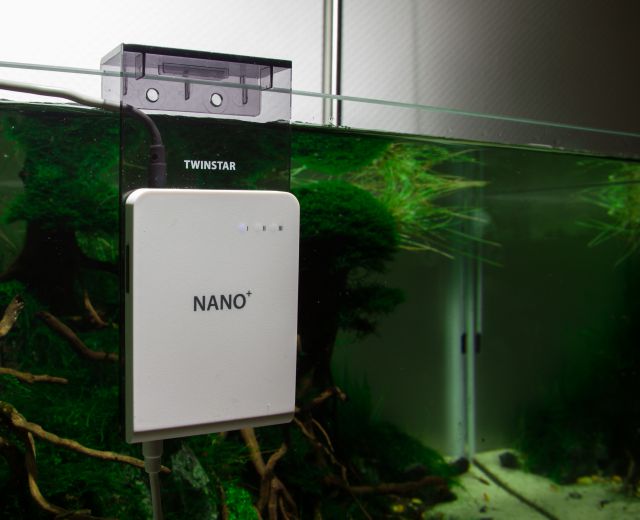
- How do I clean the electrode or remove limescale deposits?
There is a detailed video guide here. - Why do algae grow on the electrode of the Twinstar?
As a rule, no algae grow directly on the electrode (metal grid) because of the sterilizing effects in this area. However, algae growth and other normal dirt can sometimes form on the plastic cover of the reactor.
Safety
- Twinstar should not be used outside of the water. When doing a water change in the aquarium and the water level drops, the Twinstar should be switched off at the control unit.
- Twinstar is designed only for operation in freshwater. The water used should be as free of salt (sodium chloride) as possible. If the water is treated with a whole-house water softener, using Twinstar is not recommended, since the softener adds sodium and chloride components to the water. Caution is also advised with water-hardening salts that contain a high proportion of sodium or chloride, although we do not know of any case in which a water-hardening salt caused problems when using Twinstar.
- When working in the aquarium by hand, you should switch off the Twinstar to be on the safe side. If you have injuries on your hand or sensitive skin, reaching into the aquarium while Twinstar is running can cause electrical irritation, which is harmless, however.